Mobile applications, Websites and web applications Published on by Thomas Borgognon
Native app, hybrid app or PWA… Which architecture should you choose?
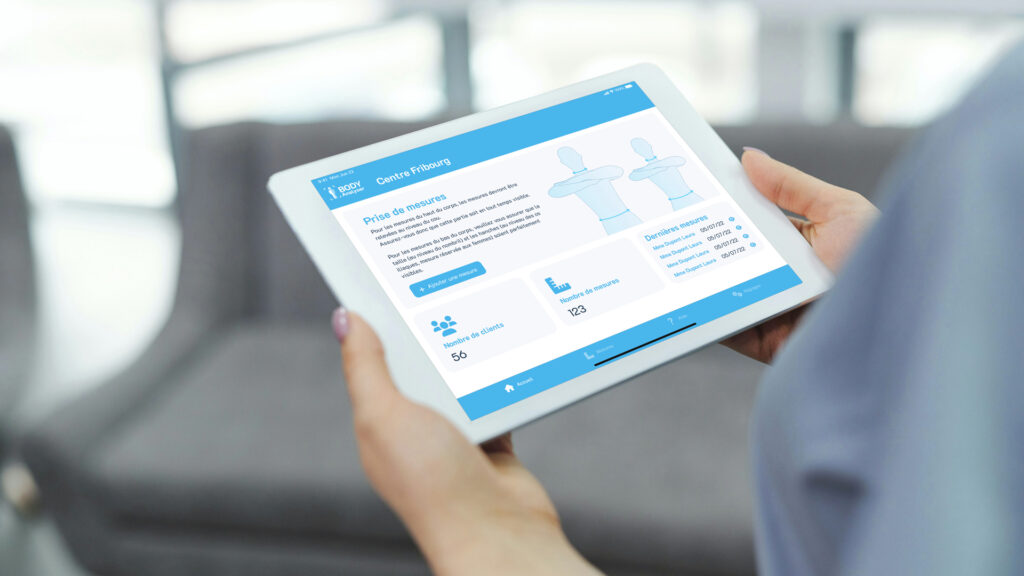
If you know a little about mobile apps or have already created a mobile app project, you have probably heard one of these three terms before. The choice is extremely important, as it will impact the cost, delivery time and/or functionality of your project.
To better understand, I invite you to continue reading so that I can explain the three solutions to you as clearly as possible.
Application architecture
To better understand the impact on your project, it is important to understand that these names refer to design architectures. In other words, depending on what you choose, the developer will be able or required to use certain programming languages or frameworks to carry out their work.
Here is a brief description of the different architectures discussed above:
The native
When we talk about native applications, we mean programmes written directly in the language of the target platform.
For Apple (iOS), the language will be Swift (if you like old school and want to suffer, you can do it in Objective-C). As for Google (Android), you will need to code in Kotlin (if you want to stay old school and a little crazy, you can do it in Java).
As you have understood, the two main players in operating systems use two different languages. What you code for one platform, you will have to recode for the other, almost doubling your time (and therefore your budget) to be available on both platforms.
Given this costly drawback, why choose a native approach for your project?
It’s very simple: by using the basic language of the platforms, you will have access to 100% of the features offered by the phones. This will improve the performance of your application.
If you need to use specific features (such as NFC) or if you require a lot of resources, you will need to take a native approach to your project.
PWA
A PWA (Progressive Web App) is a web application that can be run on any device with a web browser and can be installed instantly on your device without having to go through an app store. In addition, these types of applications update automatically without any action on the part of the user and use the same language as for developing a website. This means you benefit from extremely low costs.
As you read this paragraph, you’re probably thinking that PWAs are the perfect solution. Unfortunately, nothing is perfect in this world… PWAs are limited in their use of your phone’s features. With this approach, you can say goodbye to Bluetooth, NFC, notifications (only on Apple devices), background tasks, etc. In short, your application is a web browser with the appearance of a native application.
However, even though I may seem to be criticising this approach, it remains an excellent solution for moving quickly on a small budget for applications that do not require native features.
To give you some examples, youtube.com, x.com and pinterest.com can be installed as PWAs!
What’s more, this technology is improving day by day and supporting more and more features.

If you see this little icon in your address bar on Google Chrome, congratulations, you are on a PWA! You can now install this app on your computer or on the device of your choice!
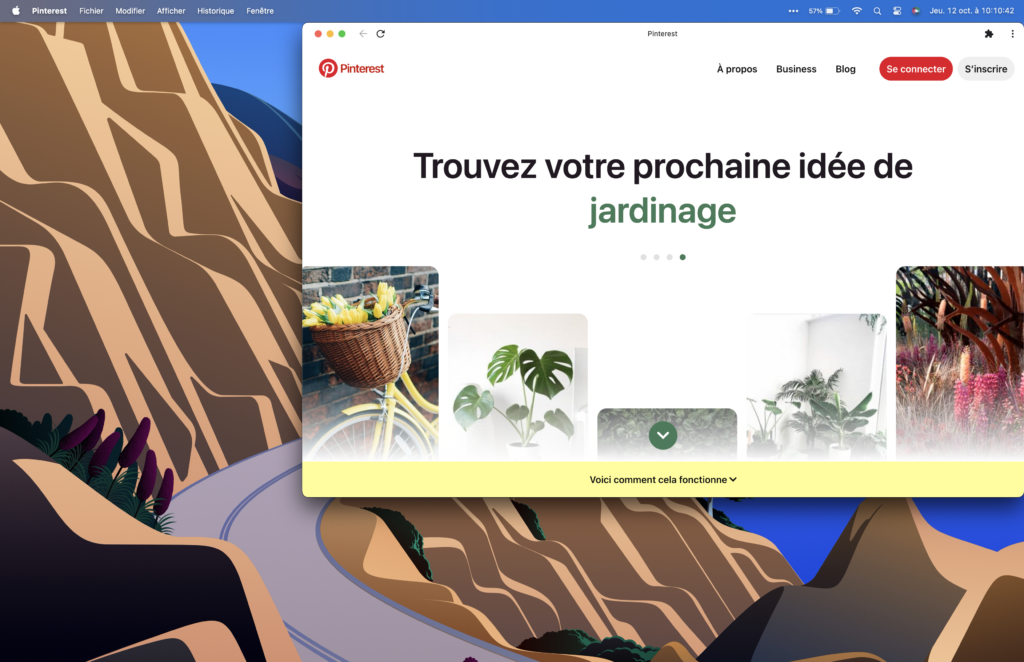
From now on, you will find it in your applications as if you had downloaded it like a conventional application!
So don’t underestimate PWAs and consider them without hesitation!
Hybrid
This latter architecture can be perfectly compared to hybrid cars.
Imagine that native applications are the equivalent of combustion engine cars and PWAs are electric cars. Hybrid applications are somewhere in between, like hybrid vehicles.
Let me explain… With a hybrid application, you can be available on all platforms with a single code. You have (almost) the development speed of a PWA and you can access most of your phone’s features (Bluetooth, notifications, smartwatch applications, etc. (note that this may vary depending on the framework used)).
Once again, you must be thinking, ‘Great! Finally, a complete solution!’ Unfortunately, as mentioned above, nothing in this world is perfect.
By choosing a hybrid application, you do not have access to all the features of a native application such as NFC. In addition, you remain dependent on a framework (such as React Native (with or without Expo), Flutter, Xamarin, etc.) which has its own specific characteristics (with advantages and disadvantages) and which has varying degrees of access to native code.
For example, with React Native and Expo, you will not have access to Bluetooth functionality (unless you eject the project, but that’s another discussion altogether).
Furthermore, hybrid applications are reputed to be less efficient than native applications (even though the difference is becoming increasingly minimal).
So if you need an app that must be available on both platforms and does not necessarily need to access 100% of your smartphone’s capabilities, hybrid applications remain a very good solution.
In summary, the three types
Native is perfect for complex projects that require advanced features such as NFC (yes, I insist on my NFC!). However, keep in mind that you need to develop your project ‘twice’ to be on the two largest platforms.
PWAs are perfectly suited for either an intranet or projects that do not require specific features and need regular updates to function.
Finally, hybrid apps are a good mix of both solutions. They are increasingly tending towards a result similar to native apps.
At O’Matic, what do you prefer?
As a general rule, we don’t have a preference; it all depends on the specifications. We can offer you PWA or hybrid solutions without any difficulty. However, even though we have the resources to do native development, we avoid this solution because it requires a large budget and is not really suitable for a small team like ours.
If you would like to develop your application project, please do not hesitate to contact us at uneapp@o-matic.ch or via our contact page!
